After years of relying on cloud/streaming services, I decided to take control of my data, media, and wallet by building my own home server. This project has been both challenging and rewarding, and I'd like to share my experience with you.
Why Build a Home Server?
Inspired by Kyle Chayka's "Filter World," I began reflecting on how algorithmic recommendations and streaming services were shaping my media consumption. I realized I was spending more on subscriptions while having less meaningful control over my digital life. Building a home server became my way of reclaiming agency over my data and media choices.
Beyond the practical benefits of data control and privacy, running your own server creates a more intentional relationship with technology. Instead of letting algorithms decide what I should watch or listen to next, I now curate my own media library. This deliberate approach has made my entertainment choices more meaningful and less driven by automated suggestions.
The technical advantages are significant too - from faster local network speeds to the ability to customize every aspect of my setup. My media is now also available offline, for free, forever. Plus, the learning experience of building and maintaining the system has been invaluable for my understanding of modern technology infrastructure.
How I Source My Media
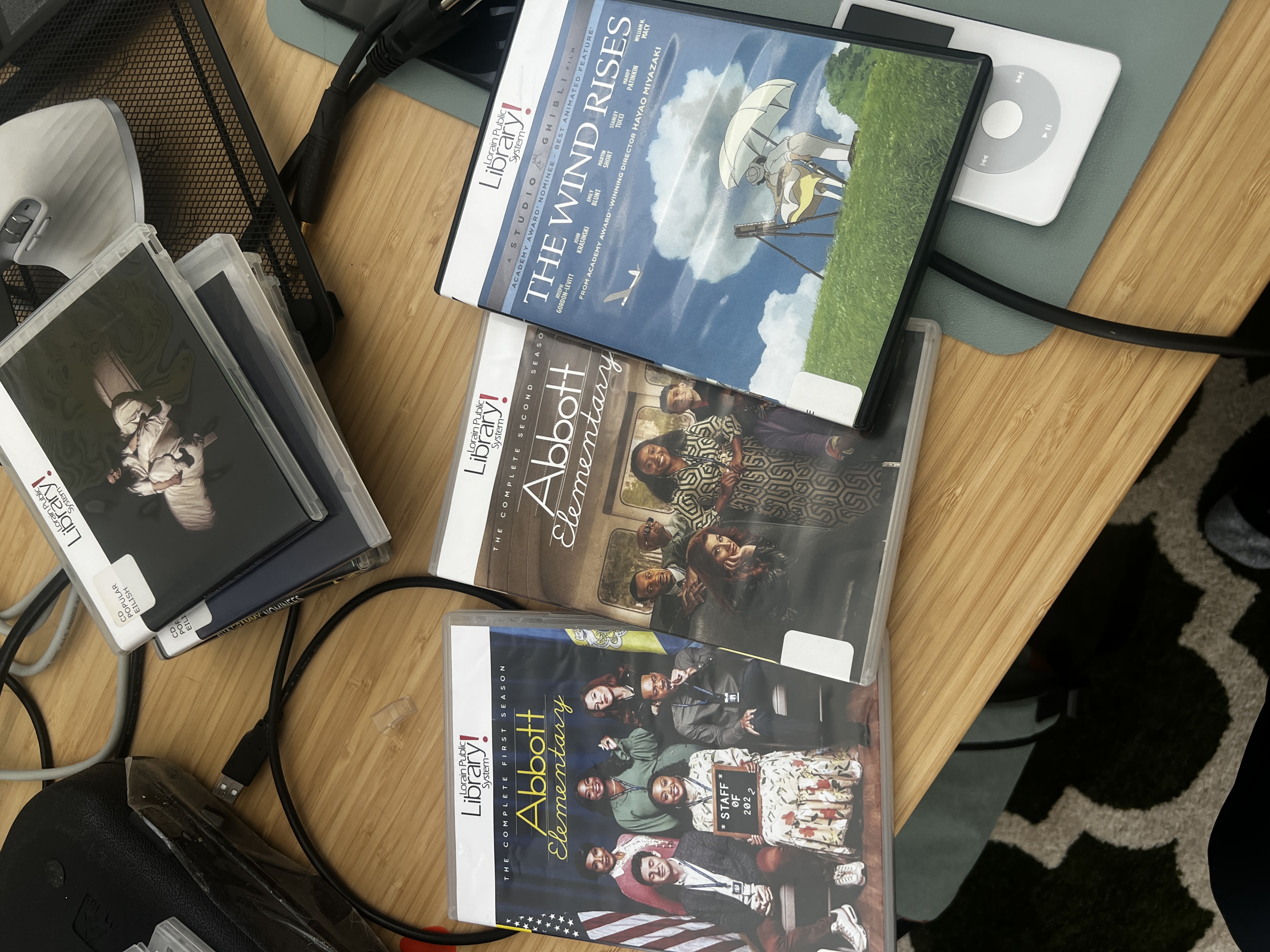
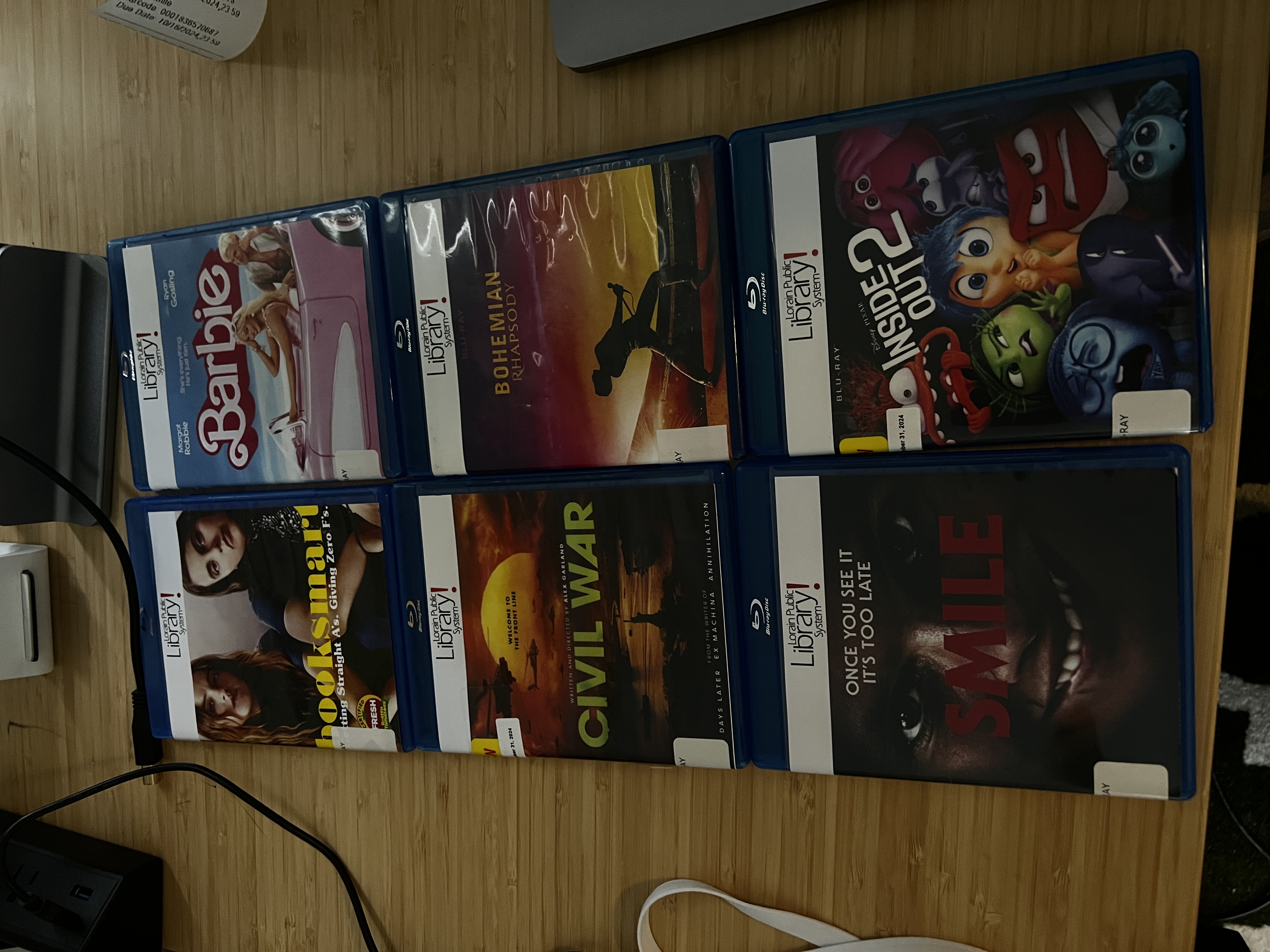
My local public library has been an incredible resource for building my media collection. With an extensive catalog of Blu-rays, CDs, ebooks, and audiobooks available for free checkout, I've been able to digitize a vast collection of movies, TV shows, music, and books. The library's commitment to maintaining a diverse and current collection means I always have access to both new releases and classic content.
A Note About Music
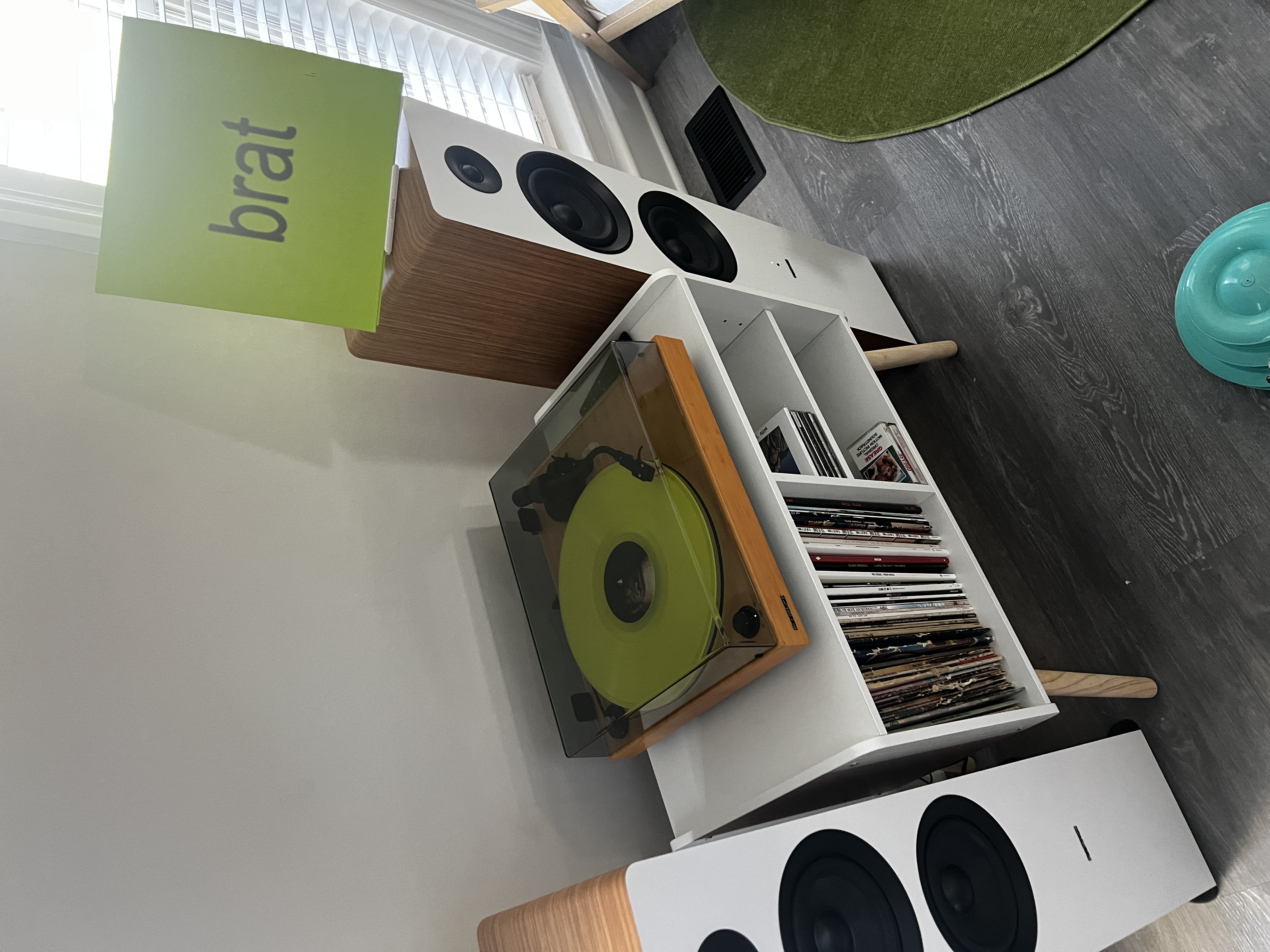
While my server handles digital playback beautifully, my primary music listening happens on vinyl. There's something special about the ritual of selecting a record, placing it on the turntable, and experiencing the music as a complete album. This intentional listening approach perfectly complements my philosophy of mindful media consumption.
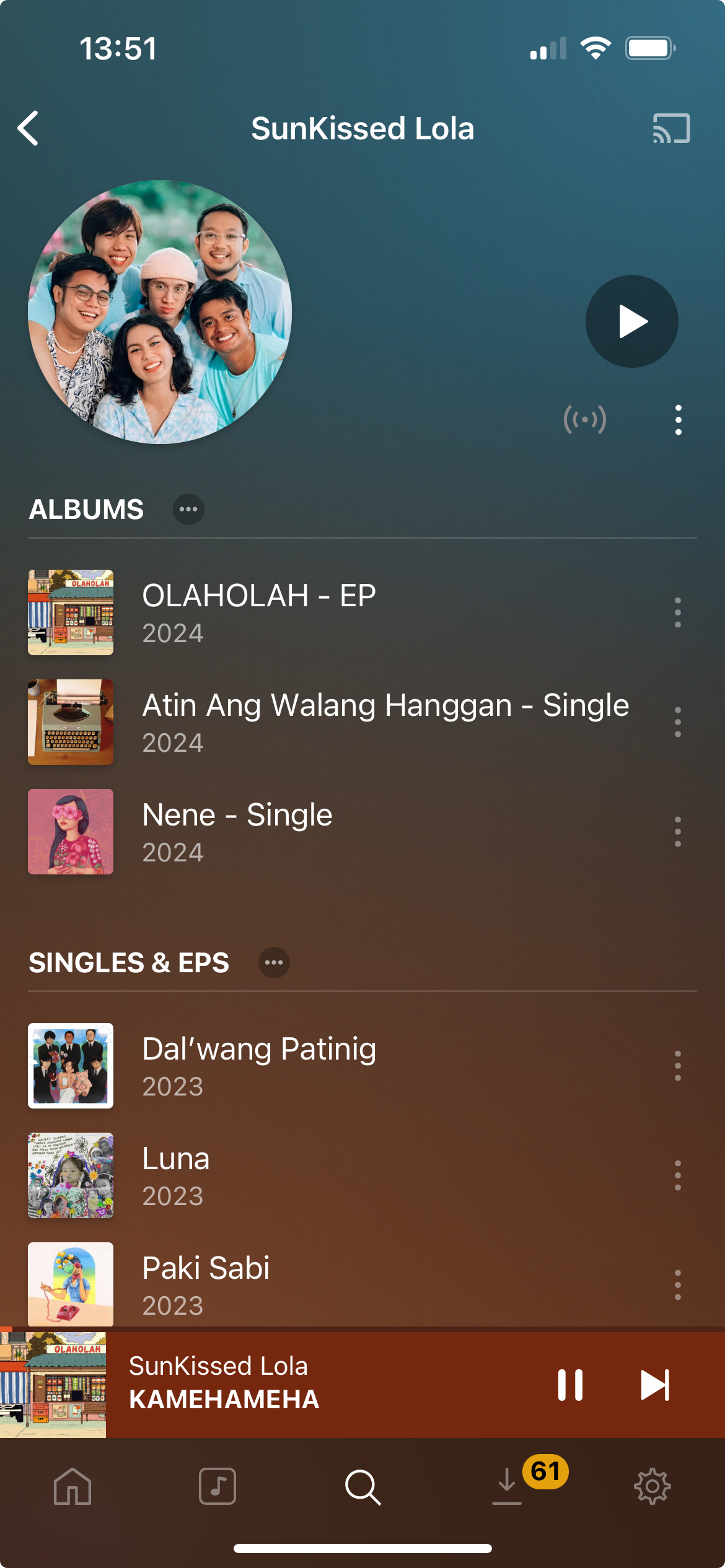
For mobile listening, I use PlexAmp to stream my digital collection. Its thoughtful interface and high-quality playback make it the perfect bridge between my carefully curated music library and modern streaming convenience.
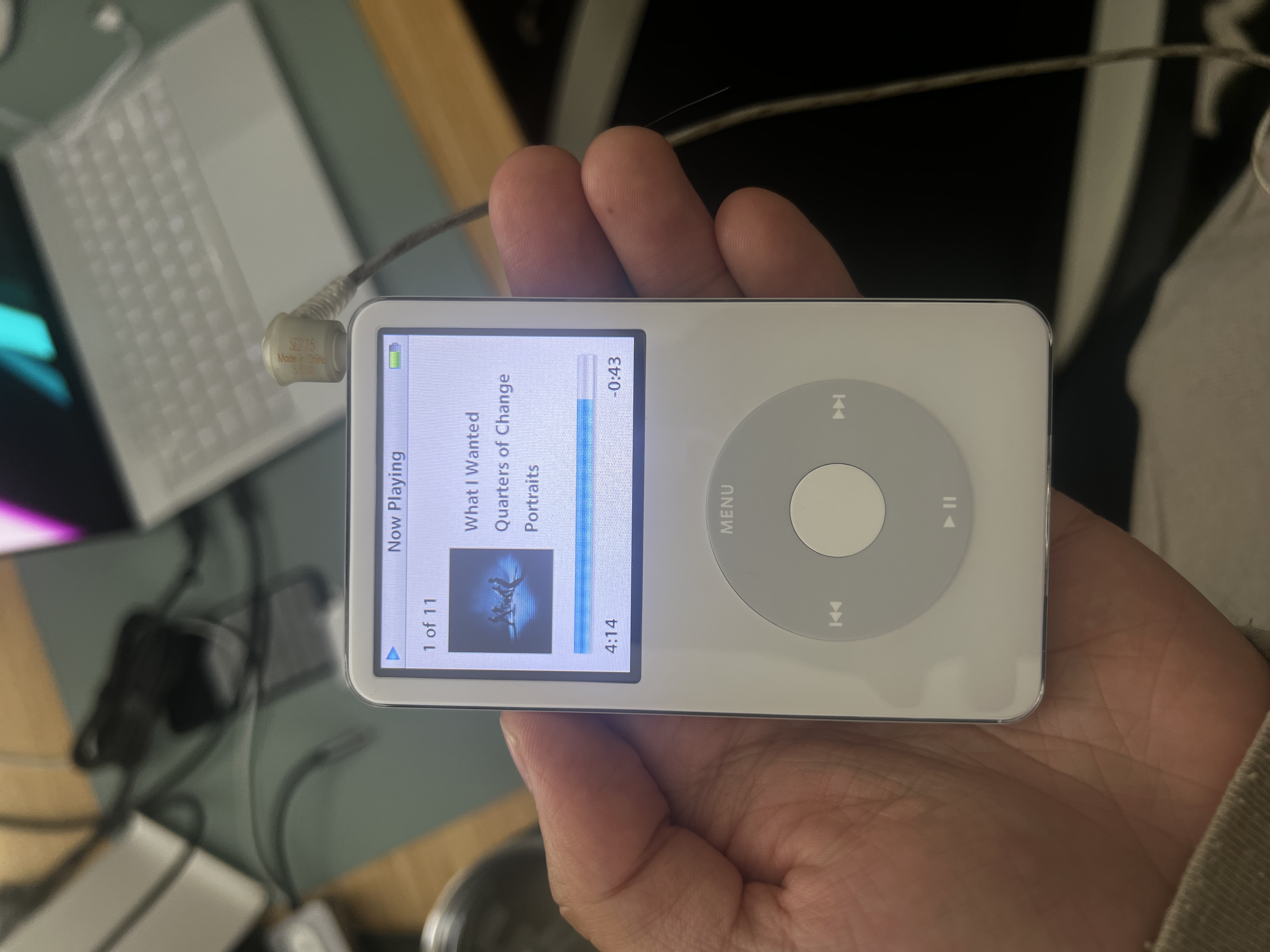
When I do listen digitally, I prioritize high-quality sources: either lossless rips from my CD collection or digital purchases made directly from artists. As a musician myself (Who Saved Who), I'm a strong believer in supporting fellow artists. I regularly purchase albums through Bandcamp (where artists receive a larger share of sales) or iTunes when that's the artist's preferred platform. These high-quality, DRM-free files ensure I can enjoy my favorite artists' work indefinitely while knowing I've contributed to their ability to create more music.
Hardware Specifications
Total build cost: $720.00 (including taxes and shipping)
The primary consideration for this build was power efficiency, as the server runs 24/7. Inspired by this excellent power-efficient NAS build from r/homelab, I focused on components that provide a good balance between performance and minimal power consumption. The system typically draws less than 30W under normal usage.
Core Components
- Case: Antec Performance Series P101 Silent Black ATX Mid Tower ($114.99)
- CPU: Intel Core i5-8500 - 3.0GHz 6 Core LGA1151 ($40.95)
- Motherboard: MSI Z390-A PRO LGA1151 ATX ($99.95)
- RAM: CORSAIR Vengeance LPX 32GB (2x16GB) DDR4 3200 ($57.99)
- Power Supply: CORSAIR RM750x 80 PLUS Gold ($119.99)
Storage
- Boot Drive: Samsung 970 EVO Plus 250GB NVMe SSD ($28.00)
- Mass Storage: Seagate BarraCuda 4TB 5400RPM HDD ($84.99)
- Optical Drive: LG WH16NS40 16X Blu-ray Writer ($67.99)
- USB Boot Drive: Samsung BAR Plus 256GB ($21.53)
Cooling & Accessories
- CPU Cooler: Noctua NH-U12S with NF-F12 120mm Fan ($21.00)
- Thermal Paste: Cooler Master CryoFuze ($5.81)
Software
- Operating System: Unraid
Software Stack
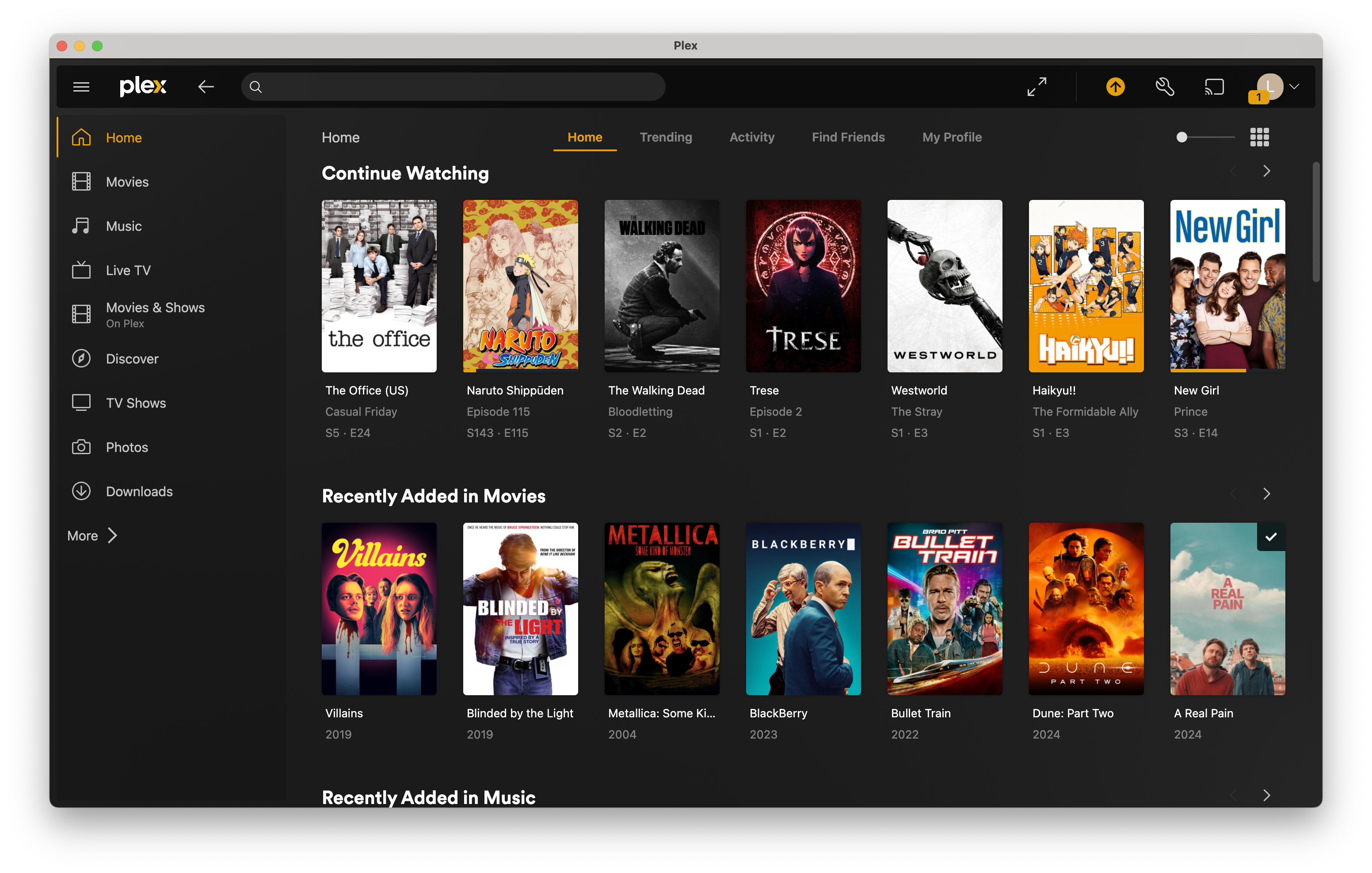
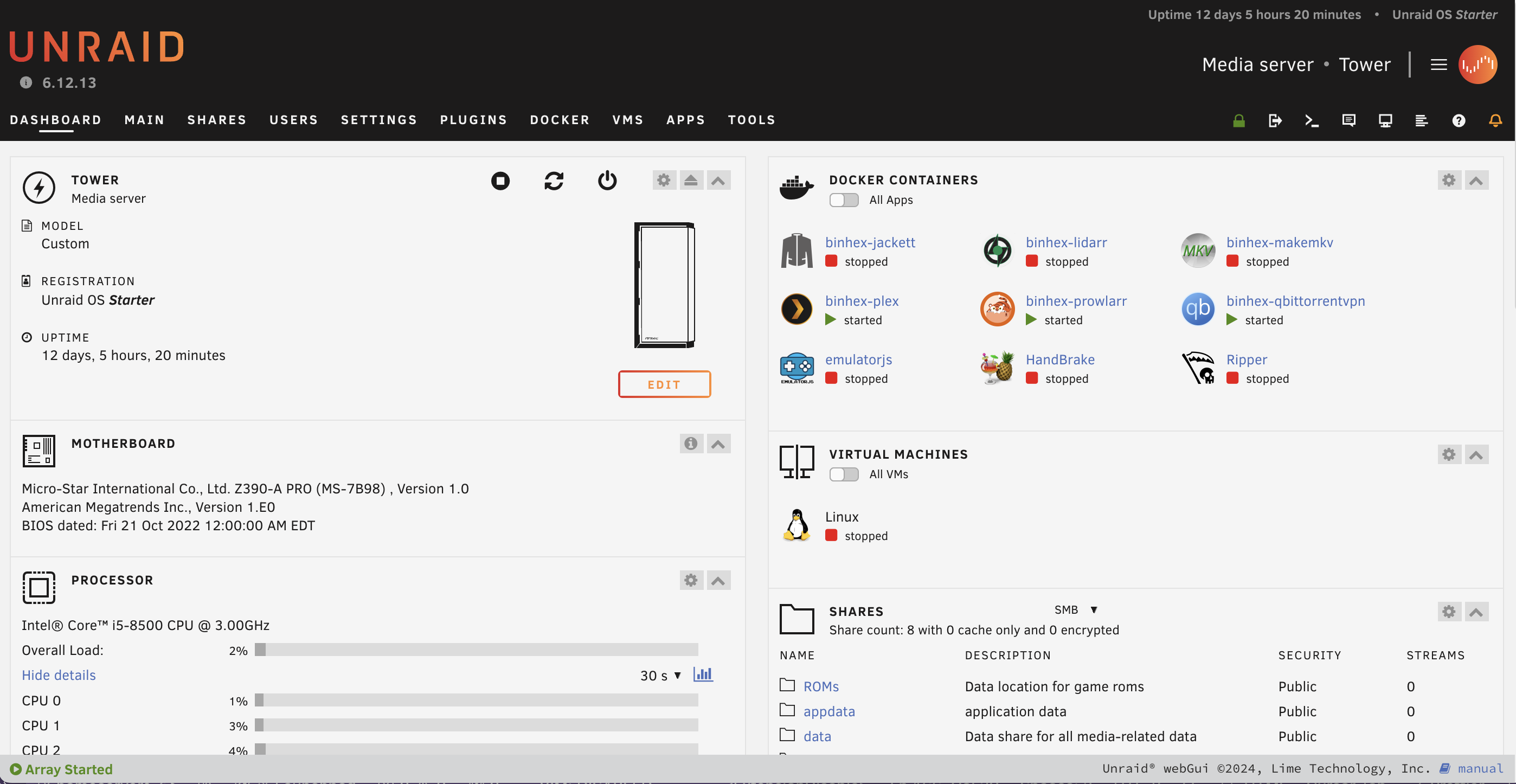
I run Unraid as my operating system, which provides an excellent balance of storage management, docker support, and ease of use. For media management, I use Plex as my central hub for movies, TV shows, music, photos, and audiobooks. The Plex ecosystem, particularly PlexAmp, has completely replaced streaming services on my mobile devices, giving me access to my entire music and audiobook library with a polished listening experience.
Docker Containers
Unraid's docker support makes it easy to run various services. My main containers include:
- MakeMKV: For ripping my Blu-ray collection to digital formats
- Ripper: Handles CD ripping for building my music library
- EmulatorJS: Provides retro gaming capabilities for classic console games
- Plex: Powers all my media streaming needs, both at home and remotely
- qBittorrentVPN: Handles downloading while ensuring privacy through VPN integration
Future Plans
I'm currently experimenting with creating my own private internet by archiving complete copies of my favorite websites. This project is inspired by the idea of digital preservation and the desire to maintain access to content that might otherwise disappear. I'm particularly interested in preserving gaming websites and their associated content, ensuring these digital artifacts remain accessible even if the original sites go offline.
The goal isn't just backup - it's about creating a curated, offline version of the internet that contains the content I find most valuable. This approach aligns with my broader philosophy of maintaining control and intentionality in my digital life.